
Changelog.
Everything Nutcracker learned to do, newest first.
57
updates in 12 weeks.
One every 1.5 days, since 17 Aug.
November.
7 updates · 2026
- 10 Nov
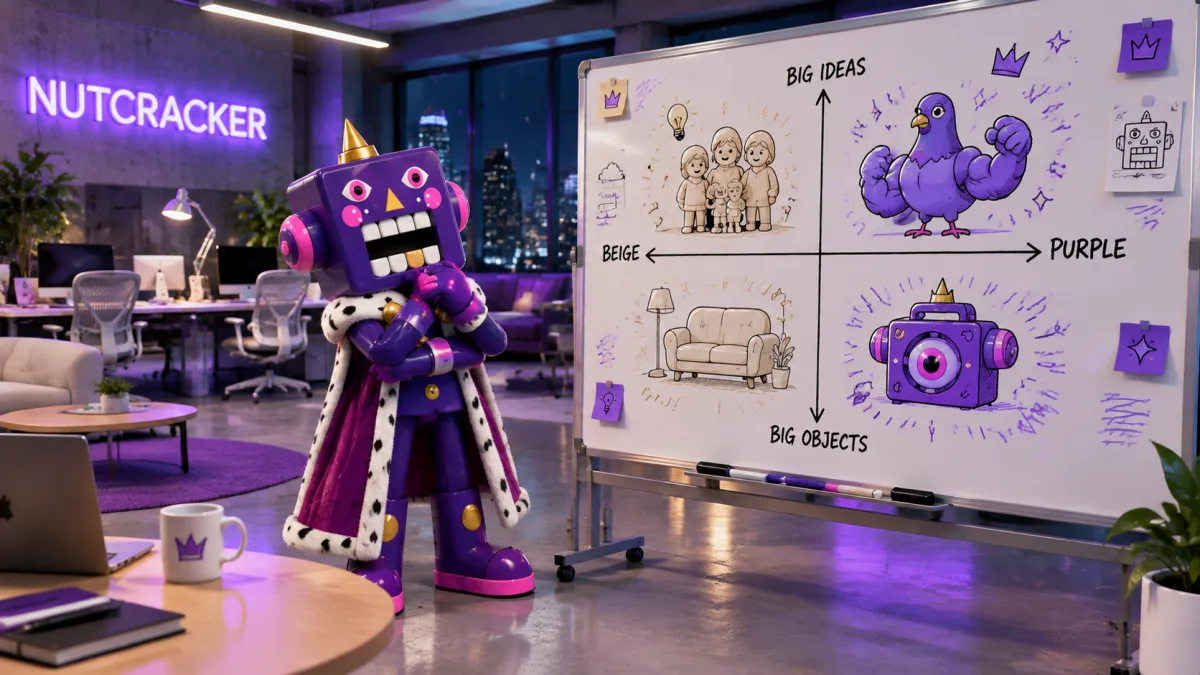
Beige Map.
See what your whole category repeats, and where you blend in.
- Break — what only adds sameness
- Keep — what buyers need to dare to buy
- Theirs — what one rival already owns
- 10 Nov
Image model menu.
Every image model, shown on the same brief, before you pick.
- Point at a model — see its test picture
- Arrows — switch between ten test briefs
- One line on what each model does best
- 10 Nov
Brand colours on presentations.
Presentations can use your brand's colours. Ask, or set them yourself.
- Set them in the presentation menu
- Hard-to-read pairs get fixed for you
- Kept in PDF, PowerPoint and links
- 10 Nov
Storyboard timeline.
Your animatic opens in Premiere or Resolve, every frame timed.
- Treatment — the film’s look and feel, first
- Cast — same faces in every frame
- Every frame checked against its shot
- 10 Nov
New image and video models.
GPT Image 2.6 is here, with four more new models.
- GPT Image 2.6 — Flare is fast, Sunburst detailed
- Gemini Omni 1.2 — a new video model
- Seedance 2.0 and 2.5 — open to paid teams
- 10 Nov
Comments panel.
Every comment on a doc, in one list beside it.
- Deleted words keep their comments
- Duplicate — copy a doc for the next round
- 6 Nov
Connect Claude and ChatGPT.
Ask Claude or ChatGPT, and Nutcracker does the work in your space.
- Works in Claude, ChatGPT, Claude Code, Codex
- Work lands in your spaces
- Settings — see and disconnect apps
October.
14 updates · 2026
- 31 Oct
Chat memory modes.
Start a chat that doesn't learn, or one that starts blank.
- Normal — uses and adds to memory
- Don’t add to memory — uses, never saves
- No memory — only what you give it
- 29 Oct
Ask another AI.
One AI's answer is one opinion. Now ask a second.
- Ask another AI — same brief, new version
- Each version gets its own tab
- Nutcracker says which one it would pick
- 28 Oct
Cut out.
Cut the subject out of any image. The background goes clear.
- 27 Oct
Commercial use certificate.
Need proof for legal? Download a commercial use certificate.
- What you make is yours to use
- Find it in workspace settings
- Every model’s terms on one page
- 26 Oct
Undo Nutcracker's edits.
Don't like a change Nutcracker made? Undo it from the chat.
- Decks — slide by slide
- Storyboards — shot by shot
- Docs — block by block
- 23 Oct
Who sees it.
Every doc now says who can see it.
- Share a chat output in one press
- Pinning a draft asks to share it
- Make private takes a doc off the web
- 23 Oct
Kling 4.0 and PixVerse V6.
Kling 4.0 takes middle keyframes. PixVerse V6 Max adds sound.
- Kling 4.0 — set frames mid-clip
- PixVerse V6 Max — clips up to 15 seconds
- 17 Oct
Video watching.
Send your cut. Nutcracker watches it with sound and gives notes.
- Drop .mp4, .mov or .webm in chat
- Research watches TikTok, Instagram and YouTube
- Ad library video ads too
- 11 Oct
PowerPoint export.
Download any deck as PowerPoint. Text and shapes stay editable.
- 8 Oct
Collections.
Drop images on a space. They sort into collections themselves.
- Add any research find to a collection
- Use a collection as Craft references
- Drag images between sections
- 7 Oct
New image and voice models.
More image models, video edit, and 97 new voices.
- Nano Banana 2.1, FLUX 3, Seedream 5 Flash
- FLUX Video Edit — change a clip by prompt
- MAI Voice — 97 voices in 23 languages
- 6 Oct
New Spaces page.
Sub-spaces are pockets now. Drag work into them.
- Context line — what each reply was given
- Uploads say what memory learned
- Rename any card from its ••• menu
- 4 Oct
Layers.
Split any image into layers. Keep the ones you want.
- Press L in the lightbox
- Layers get plain names
- Ask in chat to split an image
- 2 Oct
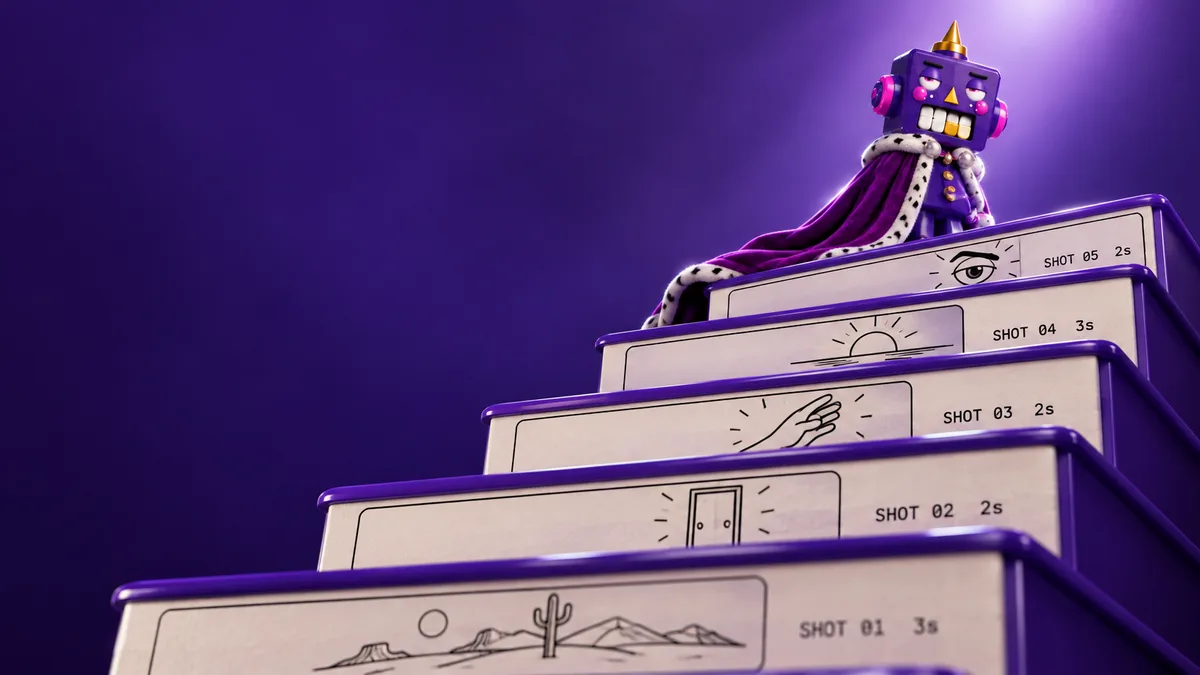
Storyboard.
See the film before it moves. Every shot gets a frame.
- Play — frames run with their lines, timed
- Retake one frame, keep the rest
- Turn roll picks into a storyboard
September.
23 updates · 2026
- 30 Sep
Voices in Craft.
Write the script. Pick from 30 voices. Craft reads it aloud.
- Two speakers can talk in one take
- Set the style, pace and accent
- Use any take in a video
- 29 Sep
Elements in spaces.
Name your logo or product once. Every roll in the space uses it.
- Create @elements right on the space page
- SVG logos work as element images
- Elements show as posters on the shelf
- 29 Sep
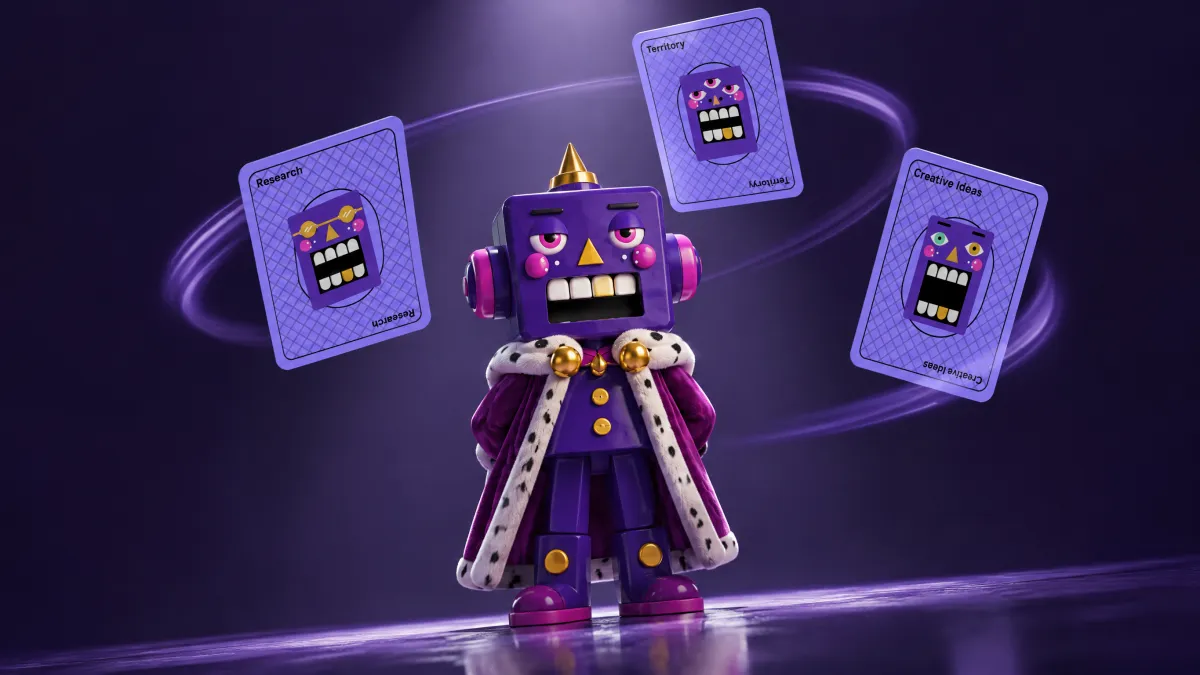
Skill cards.
Not sure which skill? The skill button deals you three.
- The deal fits what you are typing
- Hover a /skill to see its card
- Browse every skill by suit
- 29 Sep
Prompt bar on Home.
Type the job on Home. A brainstorm starts from there.
- Drop files on it to bring them along
- Search sits in the top corner, or ⌘K
- 28 Sep
Decks.
Stop pasting strategy into slides. Brainstorm builds the deck.
- Edit together live, restore any version
- Comment on a slide — Nutcracker replies
- Present, export PDF, or share a link
- 28 Sep
Research deep dive.
See every page research read. Then ask about one find.
- Dive in — replay any research step
- Ask about this — question a single find
- Research tab — drag finds into a doc
- Research page — a space’s finds in one place
- 28 Sep
The King has a face.
His face now shows what the work is doing.
- Recaps — written in his own voice
- Checkpoints — his mood fits the question
- Error pages — he explains what broke
- 26 Sep
Video in Brainstorm.
Point at an image. Say “make it move.”
- Start from chat images or roll picks
- The card shows every image it uses
- Sound on or off for each video
- 25 Sep
Chat in Craft.
Now you can say “no, the other one.”
- Ask for changes to any roll image
- Use roll images as references
- Prompts written for each image model
- 25 Sep
One switch for side panels.
We had three ways to open a panel. Now there is one.
- Keys — N for Nutcracker, A assets, I details
- Brainstorm outputs open as chips above the chat
- Pick ratio and size on each prompt card
- 24 Sep
Images in Brainstorm.
Stop copying prompts into Craft.
- Prompt cards — pick a model, press Generate
- Images land in the roll you choose
- Edit an image by asking in chat
- 24 Sep
Space guests.
Guests are free. They see one space, nothing else.
- Invite a freelancer to one space
- They edit, upload and generate there
- Guests are never a paid seat
- 24 Sep
Research watches films.
Research now watches the video, not only the page about it.
- Finds and plays films from web pages
- Reads Telegram channels and their comments
- Continues from where earlier research stopped
- 24 Sep
Lines and steering.
Changed your mind? Say it while it works.
- Steering — send a message during a turn
- Lines — taglines only your brand could say
- Margin notes — say why a line needs checking
- 12 Sep
Brand Key, Pyramid, Ladder.
Brand Platform now draws its models as boards you can edit.
- Brand Key — the whole brand in one frame
- Brand Pyramid — attributes up to essence
- Benefit Ladder — feature to human payoff
- 10 Sep
Boards & Eyes.
Research can now find, inspect, and compare images on visual boards.
- Compare brands and map positioning
- Inspect images, websites, and PDF pages
- Reopen boards and ask for changes
- 10 Sep
GPT Image 2.5 Flare.
Generate and edit images up to 4K in Craft.
- 6 Sep
New Home.
Resume recent work, open spaces, and revisit pending questions.
- Filter recent documents, brainstorms and rolls
- Open pending questions with their context
- Search work with clearer space labels
- 2 Sep
Voice dictation.
Tap the microphone and speak your request instead of typing.
- Works in Brainstorm and document chat
- Up to five minutes per take
- Failed uploads keep the audio to retry
- 2 Sep
Research claim checks.
Research now checks every factual claim before answering.
- Unsupported claims are removed or labeled
- Blocked sources are marked unverifiable
- Empty results show what was not searched
- 2 Sep
Trademark and app-name check.
Preliminary checks across trademark registers and app stores.
- Trademark registers across 75 offices
- App Store and Google Play by market
- Close spellings and Cyrillic forms included
- 2 Sep
B2B Positioning, Performance Creative, Landing Copy.
Three skills for B2B clients: position, run paid ads, write the page.
- B2B Positioning — one line for board, buyer, evaluator
- Performance Creative — paid ads tested on lead quality
- Landing Copy — find where the page loses people
- 2 Sep
Launch week.
Launch Hype now plans launch day and the week after.
- Roast — lists what its verdict assumed
- Subtraction — says what was removed and why
August.
13 updates · 2026
- 27 Aug
Diagram viewer.
Open diagrams full-screen, zoom, copy, or download SVG and PNG files.
- 27 Aug
Our Person.
Turn a target segment into one person and learn why they buy.
- Our Person — why they buy and why not
- Brand Story — exercises for a full brand session
- 27 Aug
Diagrams.
Flowcharts and maps now draw inside chat, docs, and exports.
- Campaign Ecosystem draws how the assets connect
- Shows up in PDF and Word too
- 27 Aug
Launch Hype and Tiny Budget.
Two ways to get ideas: build hype, or spend almost nothing.
- Launch Hype — five triggers that make people wait for it
- Tiny Budget — 100 ideas under $20K
- SOAP flags what the brief leaves blank
- 27 Aug
Effectiveness skills.
Three skills to prove the work moves the business.
- KPI Framework — business and comms KPIs in one list
- 4C Scan — when buyers choose, and which brand they pick
- Creative Feedback — grades attribution, fame, uniqueness
- 27 Aug
Campaign planning.
Turn one idea into a costed, dated asset list.
- Idea Stretch — nine ways to grow the idea
- Campaign Ecosystem — how every asset connects
- Blueprint — assets, tasks, and costs on a calendar
- 27 Aug
Brand Platform.
Full positioning document: Brand Key, Pyramid, Prism, or Springboard.
- 27 Aug
Brief Questions.
What to ask the client before the work starts.
- 24 Aug
Film Script.
Brief it a spot. It writes the film as readable prose.
- Picks comedy, drama, or stunt and commits
- Best after Insight and a creative technique
- 24 Aug
New video and image models.
Kling O3 up to 4K. Seedance 2.5 in 1080p. Grok Imagine 2.0 for edits.
- 17 Aug
Sources on every claim.
Research brainstorms now show the quote, screenshot, or clip.
- Reads TikTok, LinkedIn, Pinterest, YouTube, ad libraries
- Image finds go to a moodboard
- Pin anything into your space
Try what’s new.
Sign up and use this week’s updates on your own brand. 7 days free.
Already in? Sign in